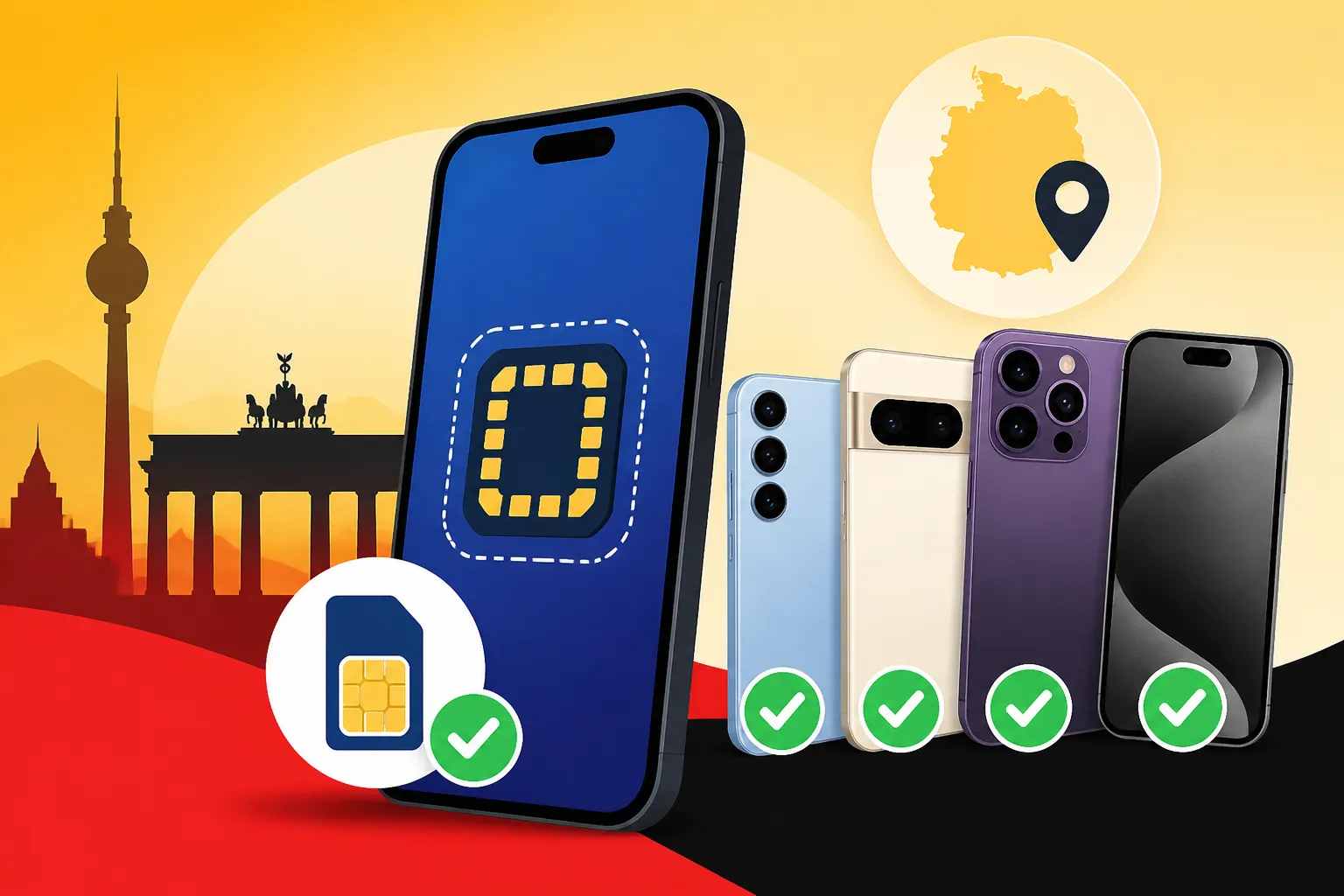
eSIM Device Compatibility: Which Phones Work in Germany Before You Buy
Oh, the sheer joy (and often, utter terror!) of arriving in a new country, stepping off the plane, and realizing your phone is just an expensive brick, desperately searching for a signal. We’ve all been there, fumbling with tiny SIM cards, battling confusing instructions, or worse, racking up eye-watering roaming charges. But thankfully, the digital age has brought us a fantastic solution: the eSIM. This guide is going to walk you through everything you need to know about eSIM device compatibility for Germany, making sure your phone is ready to connect before you even pack your bags, and highlighting how a service like Airalo can make your German adventure truly seamless.
Disclosure: This post may contain affiliate links. We may earn a commission at no extra cost to you if you make a purchase through these links. Read full disclosure.
The Rise of eSIMs and Why They're a Game-Changer for Travelers in Germany
Let's be real, the old days of tracking down a local phone store, trying to explain in broken German what kind of SIM card you need, and then fiddling with a tiny plastic chip are not exactly what you signed up for when dreaming of Bavarian castles or Berlin's vibrant nightlife. That's where eSIMs come in, making the whole process incredibly smoother.
What Exactly is an eSIM, and How Does It Work?
An eSIM, or "embedded SIM," is exactly what it sounds like: a digital SIM card that's built directly into your phone, tablet, or smartwatch. Unlike the physical plastic SIM cards we're all used to, an eSIM isn't something you can physically pop in or out. Instead, it allows you to activate a cellular plan from a carrier without needing a physical card. Think of it like this: your device already has the "chip" inside; you just need to download the "software" (your data plan) onto it.
The beauty of it is that you can have multiple eSIM profiles stored on your device and switch between them with a few taps. This means you could have your home country's plan for essential calls and texts, and a dedicated German data plan ready to go for your travels, all without ever opening your SIM tray. For anyone who has ever tried to quickly set up their mobile data and eSIMs for travel in Germany, the convenience of not having to hunt for a paperclip to open your phone's SIM tray while juggling luggage at Frankfurt Airport is a true godsend. It's a fundamental shift, moving from hardware to software for your connectivity.
Why Germany is an Ideal Place for eSIM Usage
Germany boasts a highly developed digital infrastructure, meaning robust 4G and increasingly available 5G networks across the country. This makes it an ideal destination for leveraging eSIM technology. Whether you're navigating the bustling streets of Munich, exploring the historical sites in Berlin, or taking a scenic train journey through the Black Forest, a reliable data connection is pretty much essential. You'll need it for maps, translating menus, checking train times, or simply staying in touch with loved ones.
For travelers, the biggest perk is avoiding those dreadful international roaming charges that can turn your vacation into a financial nightmare. With an eSIM, you purchase a local German data plan (or a regional European plan) before you even leave home or while still connected to Wi-Fi at the airport. This instantly puts you on a local network, giving you local rates and eliminating bill shock. It’s also incredibly practical for shorter visits where getting a full-blown contract or even a prepaid physical SIM might feel like too much hassle. You literally hit the ground running with connectivity. Imagine landing in Germany, turning off airplane mode, and instantly having data for your navigation app – that's the peace of mind an eSIM offers. Companies like Airalo specialize in making this process effortless, offering specific plans tailored for Germany that connect you to local providers like Deutsche Telekom, Vodafone, or O2.
Essential Checks: Determining Your Phone's eSIM Compatibility
Alright, so you're sold on the idea of an eSIM. Fantastic! But here's the crucial part: not every phone supports this technology. Before you get too excited about seamless connectivity, you absolutely must confirm your device is eSIM compatible. Trust me, finding this out mid-trip is a special kind of frustration you want to avoid.
Manufacturer and Model: The First Hurdle
The truth is, eSIM technology is newer, so it's primarily found in more recent smartphone models. Generally, if your phone is a few years old or a budget model, it might not have an eSIM. Most flagship phones released in the last 3-5 years from major manufacturers are likely to support it.
Here's a general guide to manufacturers and models that typically support eSIMs, but remember, always check your specific model number as regional variations are common:
- Apple: iPhone XS, XS Max, XR, and all subsequent models (iPhone 11, 12, 13, 14, 15 series, including Mini, Pro, and Pro Max variations). Important Note for US iPhones: iPhone 14 models sold in the USA are eSIM-only, meaning they don't have a physical SIM tray. For international travel, this is actually a huge benefit. Older models might have both a physical SIM tray and eSIM capability.
- Samsung: Galaxy S20, S20+, S20 Ultra, and all subsequent S-series models (S21, S22, S23, S24 series), as well as Note 20, Note 20 Ultra, and their foldable Z Flip and Z Fold series. Again, check your specific model; some older or regional variants might differ.
- Google: Pixel 3, 3 XL, and all subsequent Pixel models (Pixel 4, 5, 6, 7, 8 series). Google has been a pioneer in eSIM adoption, so their support is generally solid.
- Huawei: P40, P40 Pro, Mate 40 Pro. Huawei's eSIM support is a bit more limited compared to Apple, Samsung, or Google, so double-check carefully.
- Other Brands: Some newer phones from brands like Motorola (e.g., Razr series, some Edge models), Sony (e.g., Xperia 10 III Lite), and Xiaomi (e.g., 12T Pro) also offer eSIM support, but it's less widespread.
To give you a clearer picture, here’s a table with some common eSIM-compatible phones:
| Manufacturer | Model Series (Typically eSIM Compatible) |
|---|---|
| Apple | iPhone XS, XR, SE 2020, 11, 12, 13, 14, 15 (all variants) |
| Samsung | Galaxy S20, S21, S22, S23, S24 (all variants), Note 20, Z Fold, Z Flip (all variants) |
| Pixel 3, 4, 5, 6, 7, 8 (all variants) | |
| Huawei | P40, P40 Pro, Mate 40 Pro (check regional models carefully) |
| Motorola | Razr (all variants), Edge+ (2023) |
| Sony | Xperia 10 III Lite, Xperia 1 IV (some regions) |
Always remember that the list is continuously expanding, so if your phone isn't here, it doesn't mean it's incompatible, but it does mean you need to do your homework! For the most accurate information, your phone's official support page or even a quick search for "[Your Phone Model] eSIM compatibility" is your best friend. Services like Airalo are designed to work with a wide range of these compatible devices, ensuring smooth setup of your mobile data and eSIMs for travel in Germany.
Carrier Locks and Regional Restrictions
Beyond the manufacturer and model, there's another significant hurdle: carrier locks. Many phones, especially those purchased on a contract or with a subsidized price from a mobile network provider, are "locked" to that provider. This means they will only work with a SIM card (or eSIM) from that specific carrier. If your phone is locked, it won't be able to activate an eSIM from a different provider, like one you'd get through Airalo for use in Germany.
How to check for a carrier lock:
- iOS (iPhone): Go to Settings > General > About. Scroll down and look for "Carrier Lock" or "Network Provider Lock." If it says "No SIM restrictions," your phone is unlocked. If it says anything else, it's likely locked.
- Android: The process can vary by manufacturer. A common method is to insert a SIM card from a different carrier than your own. If the phone prompts you for an unlock code or displays a "SIM not supported" message, it's likely locked. You can also check in Settings > Network & Internet > Mobile network (or similar) for an option to unlock it.
- Contact Your Carrier: The most foolproof way is to simply call your current mobile carrier and ask if your phone is unlocked. If it's locked, inquire about their unlocking policy and fees. Many carriers will unlock your phone once your contract is fulfilled or for a fee.
Regional restrictions also play a role. As mentioned, iPhone 14 models sold in the US are eSIM-only. Other regions might have different configurations. For example, some Android phones sold in certain Asian markets might still prioritize dual physical SIM trays over eSIMs. Always verify your device's specific model number and its regional variant for accurate eSIM compatibility. A locked phone will sadly render your shiny new eSIM useless, leading to unnecessary frustration, which is the last thing you want when trying to sort out your finances for international travel or simply connect to your loved ones.
Step-by-Step: How to Verify eSIM Support on Your Device
Let’s get practical. Here’s how you can physically check your phone for eSIM compatibility right now, before you even think about buying a plan for Germany.
For iOS (iPhone):
- Open Settings: Tap the "Settings" app icon.
- Go to Cellular/Mobile Data: Scroll down and tap on "Cellular" (or "Mobile Data" in some regions).
- Look for "Add eSIM": If your iPhone supports eSIMs, you will see an option like "Add eSIM" or "Add Data Plan." If you see this, congratulations! Your iPhone is eSIM compatible. If you only see options related to your physical SIM, then it likely doesn't support eSIM.
- Check for "No SIM Restrictions": While you're in Settings > General > About, make sure it says "No SIM restrictions" for carrier lock status.
For Android Devices (this can vary slightly by manufacturer and Android version):
- Open Settings: Tap the "Settings" app icon.
- Navigate to Network & Internet: Tap on "Network & Internet" or "Connections" (on Samsung).
- Find SIMs/Mobile Network: Tap on "SIMs" or "Mobile Network."
- Look for eSIM options: You're looking for an option like "Download a SIM," "Add eSIM," "Add mobile plan," or "Add cellular plan." If you find any of these, your Android device supports eSIM. If you only see options for managing your physical SIM card(s), then it probably doesn't.
- Samsung specific: On Samsung Galaxy phones, after "Connections," you might tap "SIM card manager" to see if there's an "Add eSIM" option.
If you're still unsure after checking these settings, don't hesitate to reach out to your device manufacturer's customer support or your current mobile carrier. Give them your exact phone model number (usually found in Settings > About Phone) and ask directly about eSIM compatibility. It's much better to clarify this at home than to struggle once you’re on German soil, trying to figure out what to do when you’re sick in Germany and don’t have a doctor yet, let alone a working phone.
Choosing the Right eSIM for Your German Adventure (and Why Airalo is a Top Pick)
So, your phone is eSIM compatible and unlocked. Fantastic! Now comes the fun part: picking a plan. This is where you can truly tailor your connectivity to your trip.
Navigating eSIM Providers and Plans for Germany
There are several eSIM providers out there, and they generally offer a few types of plans:
- Local eSIMs: These are for specific countries, like a "Germany eSIM." They usually offer the most generous data allowances for the best price within that country, often using the local network infrastructure of established German carriers like Deutsche Telekom, Vodafone, or O2.
- Regional eSIMs: If you plan to visit multiple countries in Europe (say, Germany, France, and Italy), a regional "Europe eSIM" can be incredibly convenient. You buy one plan, and it works across all supported countries, saving you the hassle of buying a new eSIM for each border crossing. These are perfect for those epic European train trips.
- Global eSIMs: These cover a vast number of countries worldwide. While less specific and sometimes pricier for a single country compared to a local eSIM, they offer unparalleled flexibility for truly global travelers.
When you're choosing, consider these factors:
- Data Allowance: How much data do you anticipate using? Will you be streaming, making video calls, or just light browsing and maps?
- Validity Period: How long is the plan active for? 7 days, 15 days, 30 days? Match this to your trip duration.
- Cost: Compare prices per GB. Sometimes, a slightly larger package might offer better value.
- Network Coverage: Does the eSIM provider partner with reputable local networks in Germany (like Telekom or Vodafone)? Good coverage is non-negotiable, especially if you plan to explore beyond the major cities.
- Ease of Use: How easy is it to purchase, install, and manage the eSIM? A user-friendly app makes a huge difference.
While there are many options, for travelers heading to Germany, one name consistently comes up for its reliability and convenience: Airalo.
Why Airalo Stands Out for Travelers to Germany
Alright, let's talk about the real hero here: Airalo. I've personally used them on countless trips, and their service is just so darn simple and effective, it feels almost magical. For anyone looking for seamless connectivity in Germany, Airalo is, without a doubt, a top recommendation.
Here’s why Airalo stands out in the crowded eSIM market, especially for visitors and even short-term expats in Germany:
- Global Coverage, Local Rates: Airalo offers a fantastic range of eSIMs for Germany, but also regional Europe eSIMs and even global plans. This means whether you're staying put in Germany or hopping over to Austria, you can get a data package that feels like you bought it from a local provider, without the local hassle. They partner with major German networks, so you get reliable 4G/5G coverage wherever you go.
- Incredible Ease of Use: Their app is incredibly intuitive. You simply select Germany, choose a data package that fits your needs (e.g., 1GB for 7 days, 5GB for 30 days, etc.), purchase it, and follow a few simple steps to install it. You can do all of this from the comfort of your home Wi-Fi before you even depart, or while you're still waiting for your luggage at the airport. No more fumbling with tiny physical SIM cards or trying to find a retail store. It's truly a "set it and forget it" kind of solution.
- Flexible Data Packages: Airalo understands that not all trips are the same. They offer various data amounts and validity periods, from a small package for a weekend getaway to larger ones for longer stays. This flexibility means you only pay for what you need. If you run out, topping up is a breeze directly through the app.
- Cost-Effective: Compared to exorbitant roaming charges from your home provider, Airalo's plans are incredibly competitive and budget-friendly. You get transparency in pricing upfront, so there are no nasty surprises on your phone bill when you get back home.
- Excellent Customer Support: Should you encounter any issues (which are rare, in my experience), their support team is responsive and helpful. This is crucial when you're in a foreign country and need reliable assistance.
- Immediate Activation: Once your eSIM is installed and you land in Germany, your Airalo plan kicks in almost instantly. Imagine arriving at Munich Airport, switching on your phone, and having immediate access to Google Maps to navigate to your Airbnb, or checking the Deutsche Bahn app for your train connection, all without ever hunting for airport Wi-Fi. This eliminates so much stress. For those times you need to quickly look up how to use public pools and spas or find the best day trips from Munich, having instant data is invaluable.
Airalo genuinely takes the stress out of staying connected abroad. It's a pragmatic solution for any expat or tourist wanting to simplify their travel logistics, ensuring you’re always connected whether you're comparing Berlin vs Munich for cost of living, or just trying to find English-speaking doctors. If your phone is compatible, make Airalo your go-to for German connectivity. Seriously, it's a game-changer!
Troubleshooting Common eSIM Issues on Arrival
Even with the best preparation, technology can sometimes throw a curveball. Don't panic if your shiny new Airalo eSIM isn't immediately connecting the moment you land. There are a few common issues and easy fixes.
"My eSIM isn't Activating!" – First Steps
It's a common scenario: you land, confidently turn off airplane mode, and… nothing. No data, no connection. Before you start to worry about how to cope with culture shock, try these steps:
- Check for Wi-Fi Connection: While you don't need Wi-Fi to use your eSIM data, you often need it for the initial activation or download process. Make sure you were connected to a stable Wi-Fi network when you first installed the eSIM. If you did it too early, or your Wi-Fi dropped, the activation might not have completed. Try connecting to airport Wi-Fi and re-checking.
- Enable the eSIM Line: Your phone might have multiple SIM profiles. Go to your phone's "Cellular" or "Mobile Data" settings. Ensure your newly installed eSIM profile (it might be labeled "Travel," "Germany," or the provider's name like "Airalo") is turned on and selected as the primary data source. Sometimes your phone defaults to your home SIM even if it's not active internationally.
- Check APN Settings: This is a bit more technical but often the culprit. APN (Access Point Name) settings tell your phone how to connect to the carrier's network. Your eSIM provider (like Airalo) usually sets this automatically, but sometimes it needs manual input. Your provider will have the correct APN settings listed in their activation instructions or on their support page.
- On iOS: Settings > Cellular > eSIM Plan (tap on it) > Cellular Data Network. You might need to enter or confirm the APN.
- On Android: Settings > Network & Internet > Mobile network > Advanced > Access Point Names. Add a new APN or edit the existing one according to your eSIM provider's instructions.
- Network Selection: Sometimes your phone tries to connect to a weaker or incorrect partner network. In your phone's cellular settings, you should have an option for "Network Selection" or "Carrier." Try turning off "Automatic" selection and manually choosing one of the networks your eSIM provider partners with in Germany (e.g., Vodafone, Telekom, O2). Give it a minute or two to connect.
- Restart Your Device: The age-old tech solution, but it works! A simple restart can often resolve minor connectivity glitches and force your phone to re-establish a network connection.
- Ensure Data Roaming is ON for eSIM (if applicable): While eSIMs prevent roaming charges from your home provider, some phones still require "Data Roaming" to be enabled for the eSIM profile itself to function, especially if it's a regional or global eSIM connecting via partner networks. This doesn't mean you'll be charged roaming by Airalo, but it's a setting that needs to be active on your device for the eSIM to work.
When to Contact Support (and Which Support to Contact)
You've tried everything, restarted your phone, checked all the settings, and still no internet? It's time to reach out for help, but knowing who to contact is important.
- Contact Your eSIM Provider (e.g., Airalo) FIRST: In 99% of cases, if your eSIM isn't working, the issue lies with the eSIM profile or its connection to the network. Your eSIM provider is the expert here.
- How to contact Airalo: They have a robust in-app chat support system, an email contact, and a comprehensive FAQ section on their website. Make sure you have a Wi-Fi connection (maybe from your hotel or a cafe) to reach them. Explain your device model, the plan you purchased, and the steps you've already taken. They can remotely check your plan status and guide you through specific troubleshooting.
- Contact Your Phone Manufacturer (Apple, Samsung, Google, etc.) SECOND: Only contact your phone manufacturer if:
- Your device is showing an error message indicating a hardware issue with the eSIM (very rare).
- You suspect your phone might be carrier-locked, and your original carrier isn't being helpful.
- You've tried multiple different eSIMs from various providers, and none are working, suggesting a deeper device issue.
Most of the time, a quick chat with Airalo support will get you back online. They are highly experienced in troubleshooting activation issues for travelers, saving you from navigating the labyrinthine German bureaucracy alone. Knowing how to get a doctor's appointment faster in Germany or finding English-friendly hospitals in Germany is hard enough; you don't need a phone struggle on top of it. Using a reliable eSIM provider like Airalo ensures that when it comes to staying connected, you have a solid partner.
Disclaimer
The information provided in this article is intended for general guidance and informational purposes only. While we strive to keep the content accurate and up-to-date, technological specifications for mobile devices and eSIM services can change rapidly. Always cross-reference information with your device manufacturer’s official documentation and the specific eSIM provider’s terms and conditions before making any purchases or decisions. We are not liable for any issues arising from reliance on this information.